
White paper on Peripheral Devices
COURTESY :- vrindawan.in
Wikipedia
A peripheral or peripheral device is an auxiliary device used to put information into and get information out of a computer. The term peripheral device refers to all hardware components that are attached to a computer and are controlled by the computer system, but they are not the core components of the computer, such as the CPU or power supply unit. In other words, peripherals can also be defined as devices that can be easily removed and plugged into a computer system.
Several categories of peripheral devices may be identified, based on their relationship with the computer:
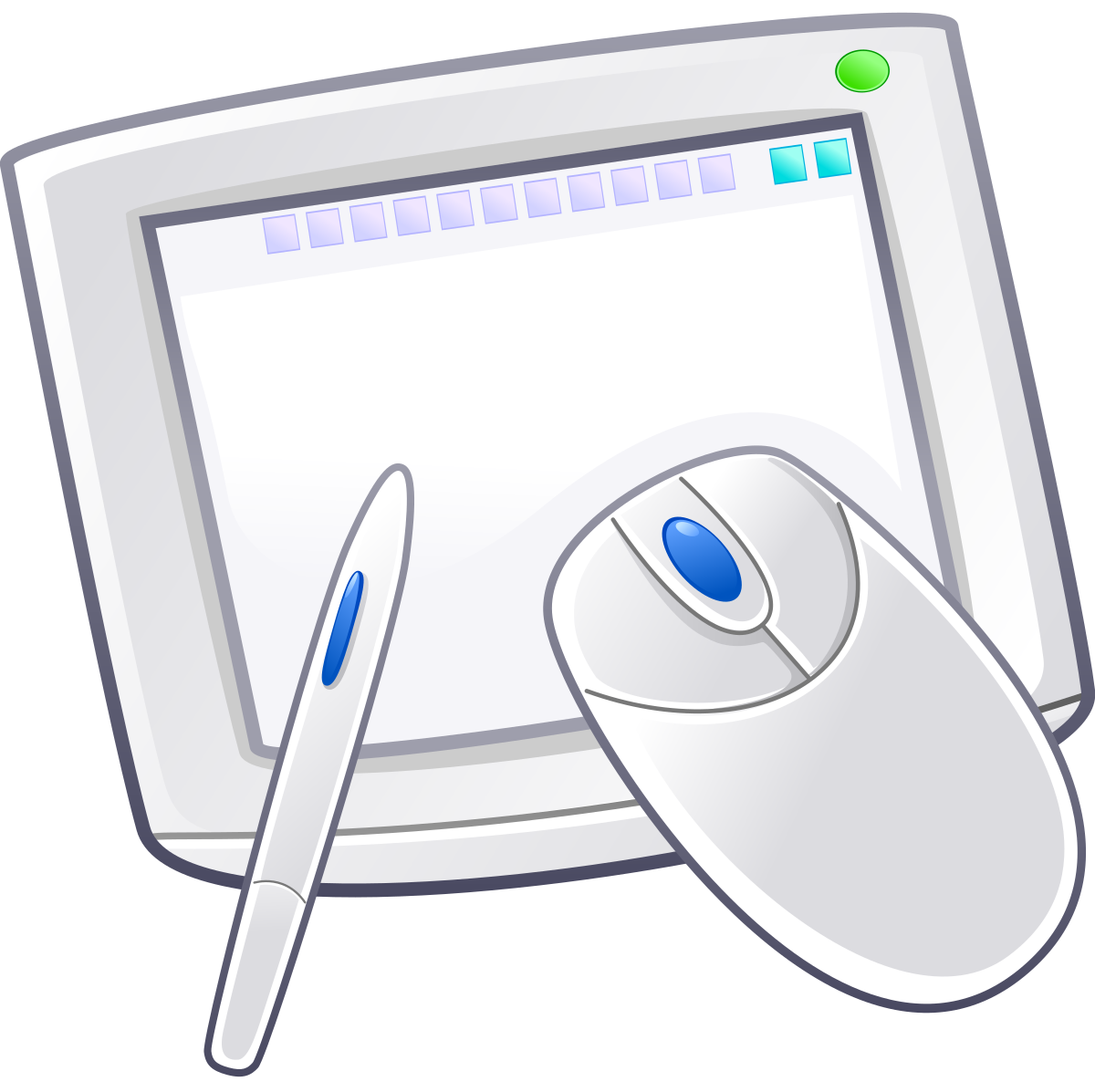
- An input device sends data or instructions to the computer, such as a mouse, keyboard, graphics tablet, image scanner, bar code reader, game controller, light pen, light gun, microphone and webcam;
- An output device provides output data from the computer, such as a computer monitor, projector, printer, headphones and computer speaker;
- An input/output device performs both input and output functions, such as a computer data storage device (including a disk drive, solid-state drive, USB flash drive, memory card and tape drive), modem, network adapter and multi-function printer.
Many modern electronic devices, such as Internet-enabled digital watches, keyboards, and tablet computers, have interfaces for use as computer peripheral devices.
An output device is any piece of computer hardware equipment which converts information into a human-perceptible form or, historically, into a physical machine-readable form for use with other non-computerized equipment. It can be text, graphics, tactile, audio, or video. Examples include monitors, printers, speakers, headphones, projectors, GPS devices, optical mark readers, and braille readers.

In an industrial setting, output devices also include “printers” for paper tape and punched cards, especially where the tape or cards are subsequently used to control industrial equipment, such as an industrial loom with electrical robotics which is not fully computerized.
A display device is the most common form of output device which presents output visually on computer screen. The output appears temporarily on the screen and can easily be altered or erased.
With all-in-one PCs, notebook computers, hand held PCs and other devices; the term display screen is used for the display device. The display devices are also used in home entertainment systems, mobile systems, cameras and video game systems.
Display devices form images by illuminating a desired configuration of pixels. Raster display devices are organized in the form of a 2-dimensional matrix with rows and columns. This is done many times within a second, typically 60, 75, 120 or 144Hz on consumer devices.
The interface between a computer’s CPU and the display is a Graphics Processing Unit (GPU). This processor is used to form images on a frame buffer. When the image is to be sent to the display, the GPU sends its image through a video display controller to generate a video signal, which is then sent to a display interface such as HDMI, VGA, Display Port, or DVI.
GPUs can be divided into discrete and integrated units, the former being an external unit and the latter of which is included within a CPU die. Discrete graphics cards are almost always connected to the host through the PCI Express bus, while older graphics cards may have used AGP or PCI. Some mobile computers support an external graphics card through Thunderbolt (via PCIe).
A monitor is a standalone display commonly used with a desktop computer, or in conjunction to a laptop as an external display. The monitor is connected to the host through the use of a display cable, such as HDMI, Display Port, VGA, and more.
Older monitors use CRT technology, while modern monitors are typically flat panel displays using a plethora of technologies such as TFT-LCD, LED, OLED, and more.
Almost all mobile devices incorporate an internal display. These internal displays are connected to the computer through an internal display interface such as LVDS or eDP. The chief advantage of these displays is their portability.
Prior to the development of modern pixel-oriented displays, computer terminals were used, composed of a character-oriented display device known as a VDU and a computer keyboard.
These terminals were often monochromatic, and could only display text. Rudimentary graphics could be displayed through the use of ASCII art along with box-drawing characters. Teleprinters were the precursors to these devices.
A projector is a display that projects the computer image onto a surface through the use of a high power lamp. These displays are seen in use to show slideshow presentations or in movie screenings.
Display technologies can be classified based on working principle, lighting (or lack thereof), pixel layout, and more.
CRT screens produce an image using electron tube, which fires electrons at a phosphorous coated screen to light up pixels in order to display images.
An LCD is a display technology employing the use of liquid crystals to form images.