
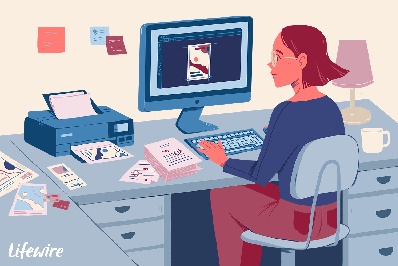
How to use desktop publishing
Desktop publishing is the process of using specialized software to create professional-quality printed or digital documents. Here are some steps to follow to use desktop publishing effectively:
- Choose the Right Software: The first step in desktop publishing is to choose the right software for your needs. There are many desktop publishing software options available, including Adobe InDesign, QuarkXPress, and Microsoft Publisher. Consider your budget, the types of documents you need to create, and the level of customization you require when selecting software.
- Define Your Document: Before you start designing your document, you need to define its purpose, audience, and structure. This will help you to determine the content you need to include, the layout, and the design elements.
- Layout and Design: Once you have defined your document, you can begin to create its layout and design. Consider the font styles, sizes, and colors, as well as the use of images and other graphic elements. Make sure your design is visually appealing and easy to read.
- Content Creation: Use the desktop publishing software to create and import your text and images. Be sure to proofread and edit your content carefully to ensure accuracy and readability.
- Printing and Distribution: Once you have created your document, you can print it or distribute it digitally. If you are printing, be sure to choose the appropriate paper and printing options. If you are distributing it digitally, consider the file format and the distribution method.
Overall, desktop publishing is a powerful tool that can help you to create professional-quality documents. By following these steps, you can use desktop publishing effectively to create visually appealing and effective documents that meet your needs.