
Installation of printer /modem /os /scanner
The installation process for printers, modems, operating systems, and scanners can vary depending on the specific device and the operating system you are using. However, here are some general steps that you can follow:
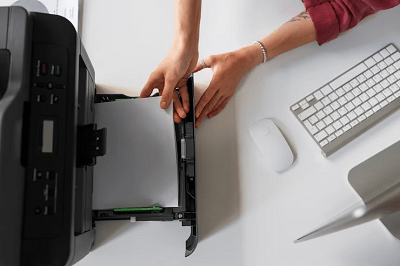
- Printer Installation: a. Connect the printer to your computer using a USB cable or through your network. b. Turn on the printer and make sure it is connected to your computer. c. Install the printer drivers and software that came with the printer. You can usually download the latest drivers from the manufacturer’s website. d. Follow the prompts to complete the installation process.
- Modem Installation: a. Connect the modem to your computer using a USB cable or Ethernet cable. b. Turn on the modem and make sure it is connected to your computer. c. Check if the modem has an installation CD. If it does, insert it into your computer and follow the prompts to complete the installation process. d. If the modem doesn’t have an installation CD, you can usually download the necessary drivers from the manufacturer’s website.
- Operating System Installation: a. Insert the operating system installation disk or USB drive into your computer. b. Restart your computer and enter the boot menu to select the installation media as the boot device. c. Follow the prompts to install the operating system, selecting your preferred options such as language and partitioning. d. Once the installation process is complete, you may need to install additional drivers for your hardware devices, such as sound cards, graphics cards, and network adapters.
- Scanner Installation: a. Connect the scanner to your computer using a USB cable. b. Turn on the scanner and make sure it is connected to your computer. c. Install the scanner drivers and software that came with the scanner. You can usually download the latest drivers from the manufacturer’s website. d. Follow the prompts to complete the installation process.
These are general steps, and the specific installation process can vary based on the device and operating system you are using. It’s always a good idea to refer to the manufacturer’s instructions for detailed installation steps.