
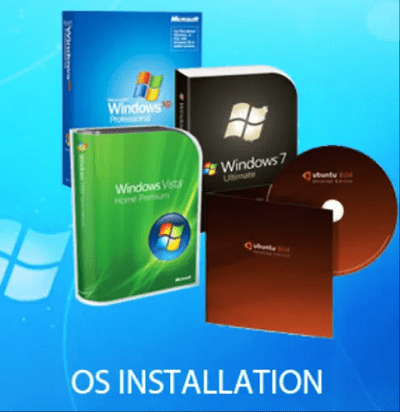
OS Installation
Operating system (OS) installation is the process of installing an operating system onto a computer or other device. The installation process varies depending on the type of OS and the device being used, but generally follows a similar set of steps:
- Preparation: Before beginning the installation, it’s important to ensure that the device meets the minimum system requirements for the operating system being installed. This may involve checking the device’s processor speed, RAM, and storage capacity.
- Booting from installation media: Most OS installations require booting from installation media, such as a DVD or USB drive, which contains the OS installation files. The device’s BIOS or UEF I firmware must be configured to boot from the installation media.
- Language and location settings: Once the installation media is booted, the installer will typically prompt the user to select their preferred language and location settings.
- Disk partitioning: If the device’s hard drive or solid-state drive contains data, the installer may prompt the user to create new partitions or format the existing partitions to make room for the new OS.
- Installing the OS: The installation process will typically involve copying the OS files from the installation media to the device’s hard drive or solid-state drive. The installer may also prompt the user to select additional components or features to install.
- Configuration and setup: Once the OS is installed, the user will typically be prompted to complete the initial configuration and setup, such as setting up a user account and configuring network settings.
- Installation of device drivers and updates: After installation, it’s important to ensure that all necessary device drivers and updates are installed to ensure the proper functioning of the device and the OS.
Overall, the OS installation process can vary in complexity depending on the type of OS and device being used. However, following the manufacturer’s instructions and ensuring that the device meets the minimum system requirements can help ensure a successful installation.