
Securing web applications
COURTESY :- vrindawan.in
Wikipedia
Application security (short AppSec) includes all tasks that introduce a secure software development life cycle to development teams. Its final goal is to improve security practices and, through that, to find, fix and preferably prevent security issues within applications. It encompasses the whole application life cycle from requirements analysis, design, implementation, verification as well as maintenance.

Different approaches will find different subsets of the security vulnerabilities lurking in an application and are most effective at different times in the software lifecycle. They each represent different tradeoffs of time, effort, cost and vulnerabilities found.
- Design review. Before code is written the application’s architecture and design can be reviewed for security problems. A common technique in this phase is the creation of a threat model.
- Whitebox security review, or code review. This is a security engineer deeply understanding the application through manually reviewing the source code and noticing security flaws. Through comprehension of the application, vulnerabilities unique to the application can be found.
- Blackbox security audit. This is only through the use of an application testing it for security vulnerabilities, no source code is required.
- Automated Tooling. Many security tools can be automated through inclusion into the development or testing environment. Examples of those are automated DAST/SAST tools that are integrated into code editor or CI/CD platforms.
-
- Broken access control
- Cryptographic Failures
- Injection
- Insecure Design
- Security Misconfiguration
- Vulnerable and Outdated Components
- Identification and Authentification Failures
- Software and Data Integrity Failures
- Security Logging and Monitoring Failures*
- Server-Side Request Forgery (SSRF)*Coordinated vulnerability platforms. These are hacker-powered application security solutions offered by many websites and software developers by which individuals can receive recognition and compensation for reporting bugs.Web application security is a branch of information security that deals specifically with the security of websites, web applications, and web services. At a high level, web application security draws on the principles of application security but applies them specifically to the internet and web systems.
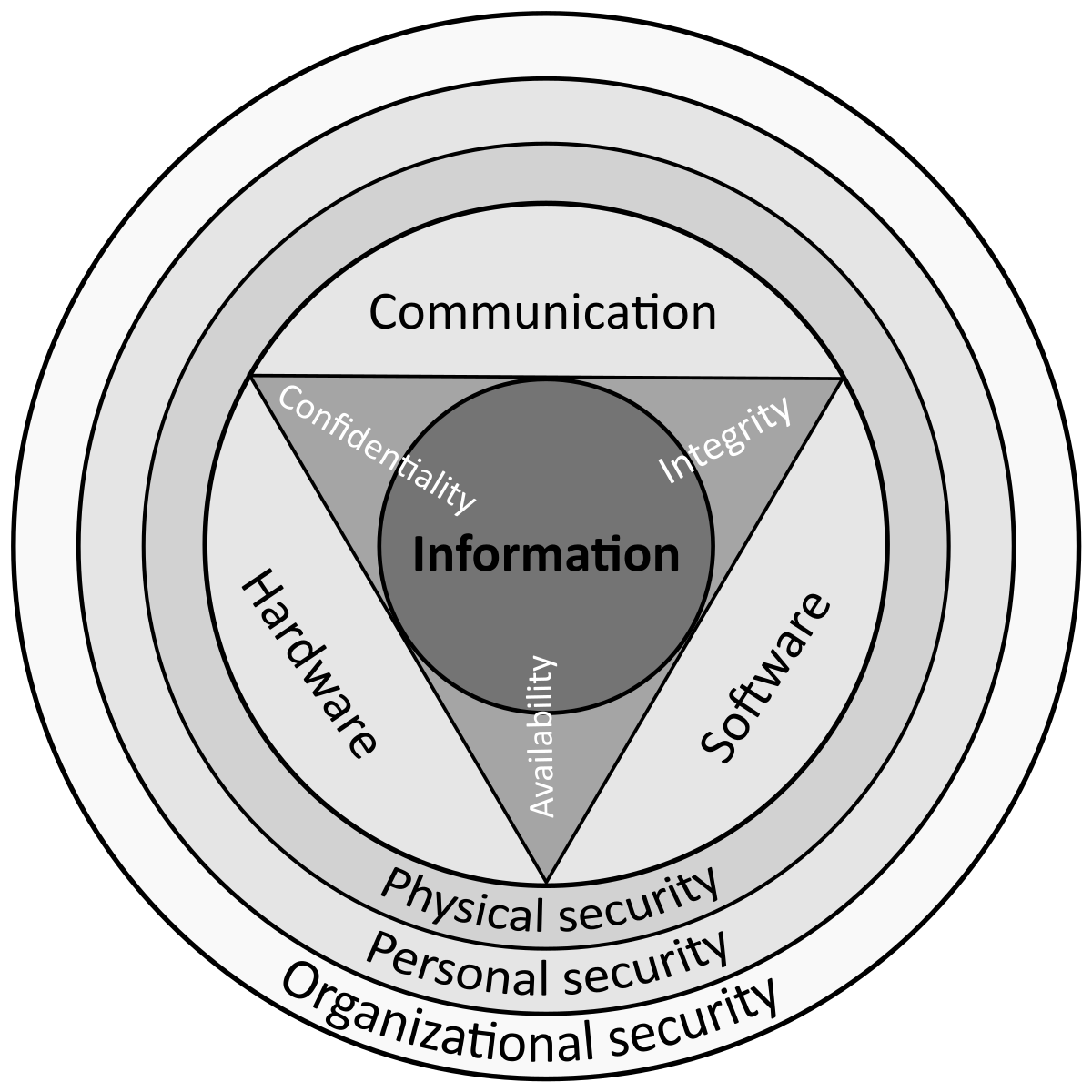 Web Application Security Tools are specialized tools for working with HTTP traffic, e.g., Web application firewalls.
The Open Web Application Security Project (OWASP) provides free and open resources. It is led by a non-profit called The OWASP Foundation. The OWASP Top 10 – 2017 results from recent research based on comprehensive data compiled from over 40 partner organizations. This data revealed approximately 2.3 million vulnerabilities across over 50,000 applications. According to the OWASP Top 10 – 2021, the ten most critical web application security risks include:
Security testing techniques scour for vulnerabilities or security holes in applications. These vulnerabilities leave applications open to exploitation. Ideally, security testing is implemented throughout the entire Software Development Life Cycle (SDLC) so that vulnerabilities may be addressed in a timely and thorough manner.
There are many kinds of automated tools for identifying vulnerabilities in applications. Common tool categories used for identifying application vulnerabilities include:
- Static Application Security Testing (SAST) analyzes source code for security vulnerabilities during an application’s development. Compared to DAST, SAST can be utilized even before the application is in an executable state. As SAST has access to the full source code it is a white-box approach. This can yield more detailed results but can result in many false positives that need to be manually verified.
- Dynamic Application Security Testing (DAST, often called Vulnerability scanners) automatically detects vulnerabilities by crawling and analyzing websites. This method is highly scalable, easily integrated and quick. DAST tools are well suited for dealing with low-level attacks such as injection flaws but are not well suited to detect high-level flaws, e.g., logic or business logic flaws. Fuzzing, tools are commonly used for input testing.
- Interactive Application Security Testing (IAST) assesses applications from within using software instrumentation. This combines the strengths of both SAST and DAST methods as well as providing access to code, HTTP traffic, library information, backend connections and configuration information. Some IAST products require the application to be attacked, while others can be used during normal quality assurance testing.
- Runtime application self-protection augments existing applications to provide intrusion detection and prevention from within an application runtime.
- Dependency scanners (also called Software Composition Analysis) try to detect the usage of software components with known vulnerabilities. These tools can either work on-demand, e.g., during the source code build process, or periodically.
- Abstraction is the idea of making more complex things less complex.In earlier computing models like client-server, the processing load for the application was shared between code on the server and code installed on each client locally. In other words, an application had its own pre-compiled client program which served as its user interface and had to be separately installed on each user’s personal computer. An upgrade to the server-side code of the application would typically also require an upgrade to the client-side code installed on each user workstation, adding to the support cost and decreasing productivity. In addition, both the client and server components of the application were usually tightly bound to a particular computer architecture and operating system and porting them to others was often prohibitively expensive for all but the largest applications (Nowadays, native apps for mobile devices are also hobbled by some or all of the foregoing issues).
In 1995, Netscape introduced a client-side scripting language called JavaScript allowing programmers to add some dynamic elements to the user interface that ran on the client side. So instead of sending data to the server in order to generate an entire web page, the embedded scripts of the downloaded page can perform various tasks such as input validation or showing/hiding parts of the page.
In 1999, the “web application” concept was introduced in the Java language in the Servlet Specification version 2.2. [2.1?]. At that time both JavaScript and XML had already been developed, but Ajax had still not yet been coined and the XMLHttpRequest object had only been recently introduced on Internet Explorer 5 as an ActiveX object.
In 2005, the term Ajax was coined, and applications like Gmail started to make their client sides more and more interactive. A web page script is able to contact the server for storing/retrieving data without downloading an entire web page.
Applications are usually broken into logical chunks called “tiers”, where every tier is assigned a role. Traditional applications consist only of 1 tier, which resides on the client machine, but web applications lend themselves to an n-tiered approach by nature. Though many variations are possible, the most common structure is the three-tiered application. In its most common form, the three tiers are called presentation, application and storage, in this order. A web browser is the first tier (presentation), an engine using some dynamic Web content technology (such as ASP, CGI, ColdFusion, Dart, JSP/Java, Node.js, PHP, Python or Ruby on Rails) is the middle tier (application logic), and a database is the third tier (storage). The web browser sends requests to the middle tier, which services them by making queries and updates against the database and generates a user interface.
For more complex applications, a 3-tier solution may fall short, and it may be beneficial to use an n-tiered approach, where the greatest benefit is breaking the business logic, which resides on the application tier, into a more fine-grained model. Another benefit may be adding an integration tier that separates the data tier from the rest of tiers by providing an easy-to-use interface to access the data. For example, the client data would be accessed by calling a “list_clients()” function instead of making an SQL query directly against the client table on the database. This allows the underlying database to be replaced without making any change to the other tiers.
There are some who view a web application as a two-tier architecture. This can be a “smart” client that performs all the work and queries a “dumb” server, or a “dumb” client that relies on a “smart” server. The client would handle the presentation tier, the server would have the database (storage tier), and the business logic (application tier) would be on one of them or on both. While this increases the scalability of the applications and separates the display and the database, it still doesn’t allow for true specialization of layers, so most applications will outgrow this model.