
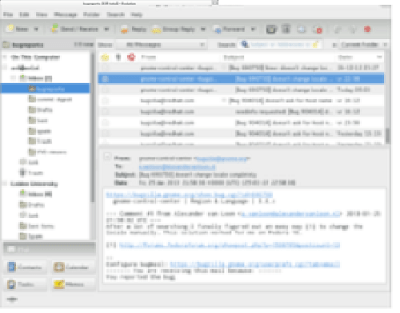
Basic of E mail, opening E mail client
Email, short for electronic mail, is a method of sending and receiving messages over the internet. Email is one of the most popular forms of communication online and is used for both personal and professional purposes.
To open an email client, you will first need to choose an email service provider, such as Gmail, Yahoo Mail, or Outlook. Once you have chosen an email service provider, you can create an account and sign in to access your inbox.
To compose and send an email, you will typically need to follow these steps:
- Open your email client or go to your email service provider’s website and sign in to your account.
- Click on the “Compose” button or the “+” sign to create a new email.
- In the “To” field, enter the email address of the recipient(s) you want to send the email to.
- Enter a subject for your email in the “Subject” field.
- Write your message in the main body of the email.
- If you want to attach any files, click on the “Attach” button and select the file(s) you want to attach.
- Once you have finished composing your email, click on the “Send” button to send the email to the recipient(s).
When you receive an email, you will typically see a notification in your inbox. To open the email and read its contents, simply click on the email subject line or the email itself.